
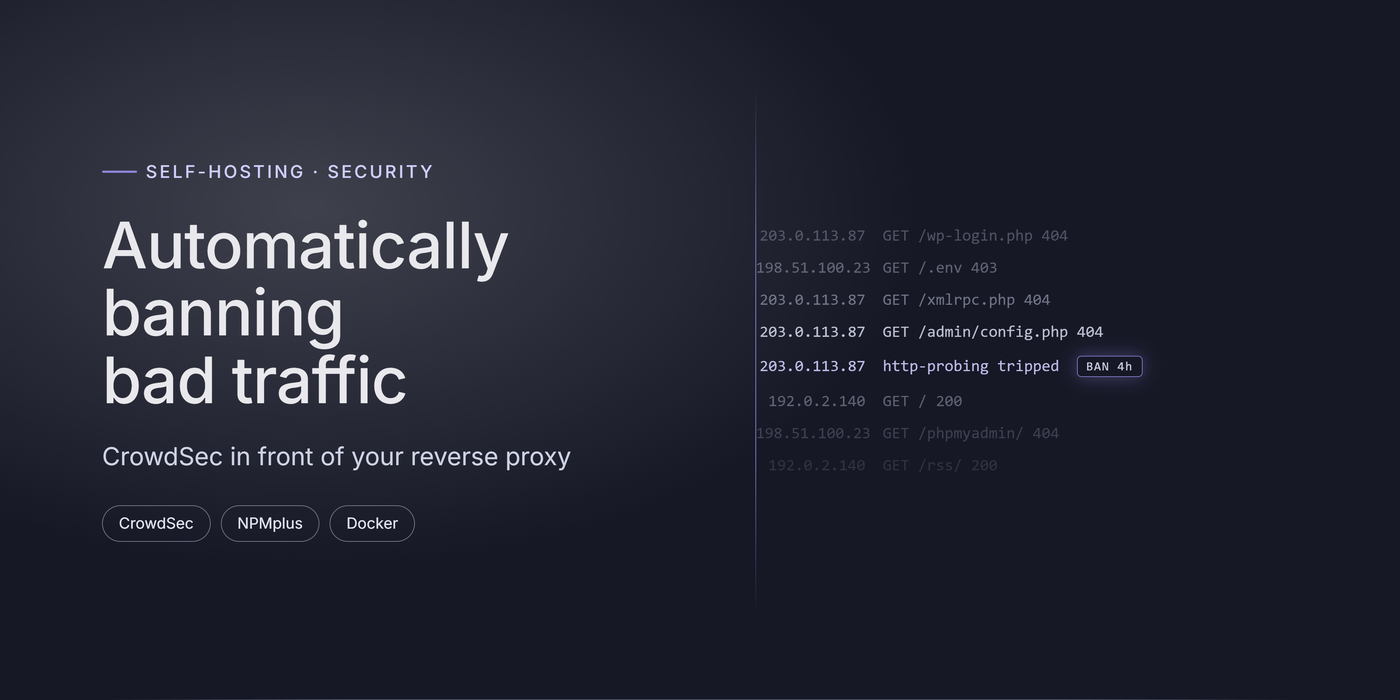
Last post ended on a warning. The moment a service goes public, it gets scanned. Within minutes of the blog going live, the access logs filled with requests for /wp-login.php, /.env, and a long tail of paths probing for software I don't even run. That's not a targeted attack, it's the background radiation of the internet: bots hammering every reachable address all day.
A reverse proxy with TLS is the front door. It isn't a lock. This post adds the lock: CrowdSec, which reads the proxy's logs, recognizes attacks by how an IP behaves, and bans the offenders on its own. As a bonus, it plugs into a shared blocklist, so you also benefit from attacks seen on other people's servers.
How CrowdSec works
If you've used Fail2Ban, the idea is familiar: watch the logs, block IPs that misbehave. CrowdSec splits that job into separate parts, which is what makes it flexible:
- The local API, or LAPI, is the coordinator that everything else talks to.
- A log processor reads your proxy's access logs, parses them, and matches the traffic against scenarios like repeated login failures or path scanning. When a scenario trips, it writes a decision, usually "ban this IP for four hours."
- A bouncer enforces those decisions. It asks the LAPI who's banned and blocks them. Detection and blocking are deliberately decoupled, so one engine can feed many bouncers.
On top of that, CrowdSec has a community angle. IPs that attack enough people get onto a central blocklist that everyone can pull, so you can block known-bad addresses before they ever touch you. An optional online console gives you a dashboard over all of it.
For a single reverse proxy the setup is small: one engine, one bouncer, done. Here's how I wired it to NPMplus, which has native CrowdSec support built in.
Prerequisites
- A reverse proxy that writes access logs. I use NPMplus, a fork of Nginx Proxy Manager with CrowdSec integration built in. Plain Nginx Proxy Manager works too with a separate bouncer.
- Docker and Portainer.
- The reverse proxy from the previous post already running.
Step 1: Run the CrowdSec engine
Add CrowdSec as its own container. The important parts are the collection (so it knows how to read NPMplus logs and which scenarios to apply) and a read-only mount of the proxy's log directory.
services:
  crowdsec:
    image: crowdsecurity/crowdsec:latest
    container_name: crowdsec
    restart: unless-stopped
    environment:
      TZ: Europe/Luxembourg
      COLLECTIONS: "ZoeyVid/npmplus"
    ports:
      - "127.0.0.1:8080:8080"   # LAPI, reachable on localhost only
    volumes:
      - ./crowdsec_config:/etc/crowdsec
      - ./crowdsec_data:/var/lib/crowdsec/data
      - /path/to/npmplus/data:/opt/npm/nginx:ro   # proxy logs, read-only
      - /var/run/docker.sock:/var/run/docker.sock:ro
Note the LAPI is bound to 127.0.0.1, not 0.0.0.0. The API that decides who gets banned should never be reachable from the network, let alone the internet. Deploy the stack, and CrowdSec starts reading logs immediately.
For advanced users: what the collection actually pulls in
A collection is a bundle of parsers and scenarios.
ZoeyVid/npmplusteaches CrowdSec the exact log format NPMplus writes and ships the scenarios that make sense for a reverse proxy. You can list what's active withdocker exec crowdsec cscli collections listand see every scenario withcscli scenarios list. If you run other services, there are collections for SSH, specific apps, and generic HTTP probing that you can add the same way.
Step 2: Connect the proxy as a bouncer
The engine now detects attacks, but nothing enforces the bans yet. That's the bouncer's job. Generate an API key for it:
docker exec crowdsec cscli bouncers add npmplus
Copy the key it prints once (you can't see it again). Then enable CrowdSec on the NPMplus container by adding three environment variables:
    environment:
      - CROWDSEC=true
      - CROWDSEC_LAPI=http://<crowdsec-host>:8080
      - CROWDSEC_KEY=<bouncer-api-key>
Redeploy the proxy. It now checks every incoming request against the LAPI and refuses anyone with an active ban, serving them a block page instead of your site.
Step 3: Verify it's working
Two commands tell you the system is alive. First, check that the bouncer is connected and logs are flowing:
docker exec crowdsec cscli metrics
You should see your log source being read and the bouncer listed. Then watch the decisions as they happen:
docker exec crowdsec cscli decisions list
Give it a day and this list won't be empty. The scanners find you on their own. If you want to see a ban immediately, hit a login page wrong a handful of times from a device you can afford to lock out, and watch your own IP appear. To review what triggered each ban, use cscli alerts list.
For advanced users: block earlier, and share the load
The proxy bouncer blocks at the application layer, after the request reaches your proxy. You can block earlier with a firewall bouncer that drops banned IPs at the host firewall, before they ever reach the proxy at all. It's the more efficient place to stop obvious junk.
Two extras worth turning on. The community blocklist pulls in addresses that have attacked enough other CrowdSec users, so a large share of scanners are blocked before they do anything to you. And enrolling the engine in the online console (
cscli console enroll <key>) gives you a dashboard, alert history, and central management across machines. The enrollment key comes from the console; treat it like any other secret.
Behavior beats geography
A common first instinct for a public service is to block whole countries. It's tempting because it cuts the noise fast, but it's a blunt tool. It punishes every legitimate visitor and traveler from those countries, does nothing about attackers inside the countries you allow, and falls apart the moment someone uses a VPN. Worst of all, it gives a false sense of safety while the real attacks, the ones coming from IPs in "allowed" regions, walk straight through.
Behavior-based banning reacts to what an IP actually does, not where it happens to be. An address that requests your login page thirty times in ten seconds gets blocked whether it's next door or on another continent, and a normal reader is never affected. That's the model I lean on, and it's why CrowdSec earns its place here.
What CrowdSec is not
It's worth being clear-eyed: CrowdSec is one strong layer, not a complete security strategy. It won't save you from a weak password, an unpatched application with a real vulnerability, or a service you exposed that never should have been. Treat it as part of defense in depth: keep your software updated, use strong and unique credentials, turn on multi-factor auth where you can, and expose as little as possible in the first place. CrowdSec handles the tireless automated noise so you can focus on the things that actually need judgment.
The pattern
Three parts, and the same shape every time: an engine that reads your logs, a bouncer that enforces its decisions, and a shared blocklist that lets everyone's attackers become everyone's blocklist. Point it at a proxy that's already logging, connect one bouncer, and the scanners that show up within minutes of going public start hitting a wall instead of your login page.
That closes the loop the last two posts opened. Beszel stayed on the LAN because it didn't need to be public. The Blog went public because it's meant to be read, and now it has something watching the door. The next thing I want to dig into is filtering at the application layer itself, catching malicious requests by their content rather than just the sender's track record.
Running CrowdSec on a different proxy, or seeing bans you can't explain? Reach out to me and I'll work the good cases into a later post.